




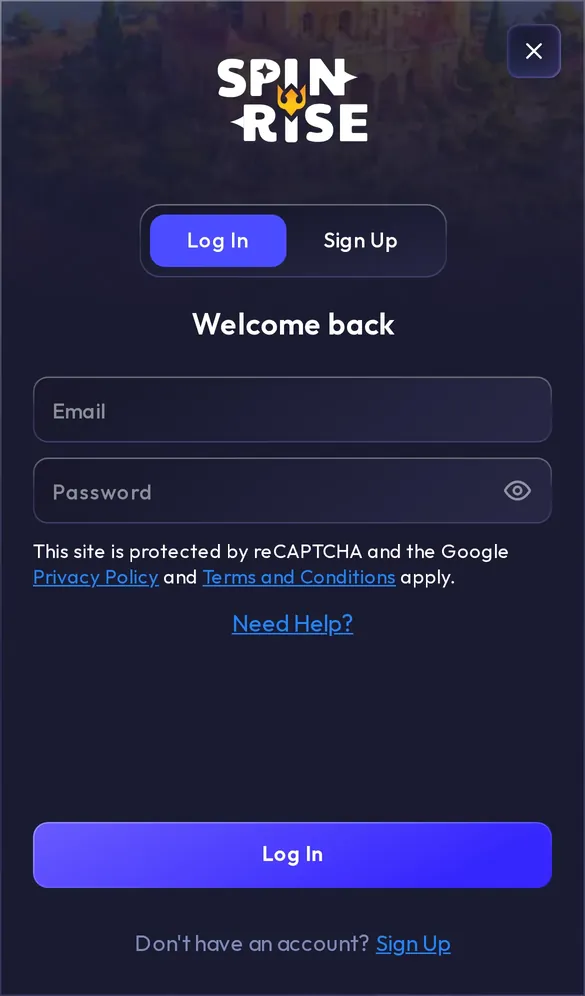
The Spinrise casino login lives on www.spinrise.com/en-AU, in the top-right corner of every page. There is no separate login site: pressing Log In opens a window over the page you are on, and pressing Sign Up does the same for new accounts. Below are both routes, the checks that come before a payout and what to try when the window will not let you through.
Getting to the right address
Type www.spinrise.com/en-AU yourself, or use a bookmark you saved after your first visit. The /en-AU part loads the Australian locale, so balances, bonus figures and limits show in A$. A shortcut from your phone’s home screen does the same job once you have added it.
Your account exists only on www.spinrise.com. If you ever typed your password into a page with a similar name, change it on www.spinrise.com straight away.
Signing in to an existing account
- Open www.spinrise.com/en-AU.
- Press Log In in the header. The sign-in window appears.
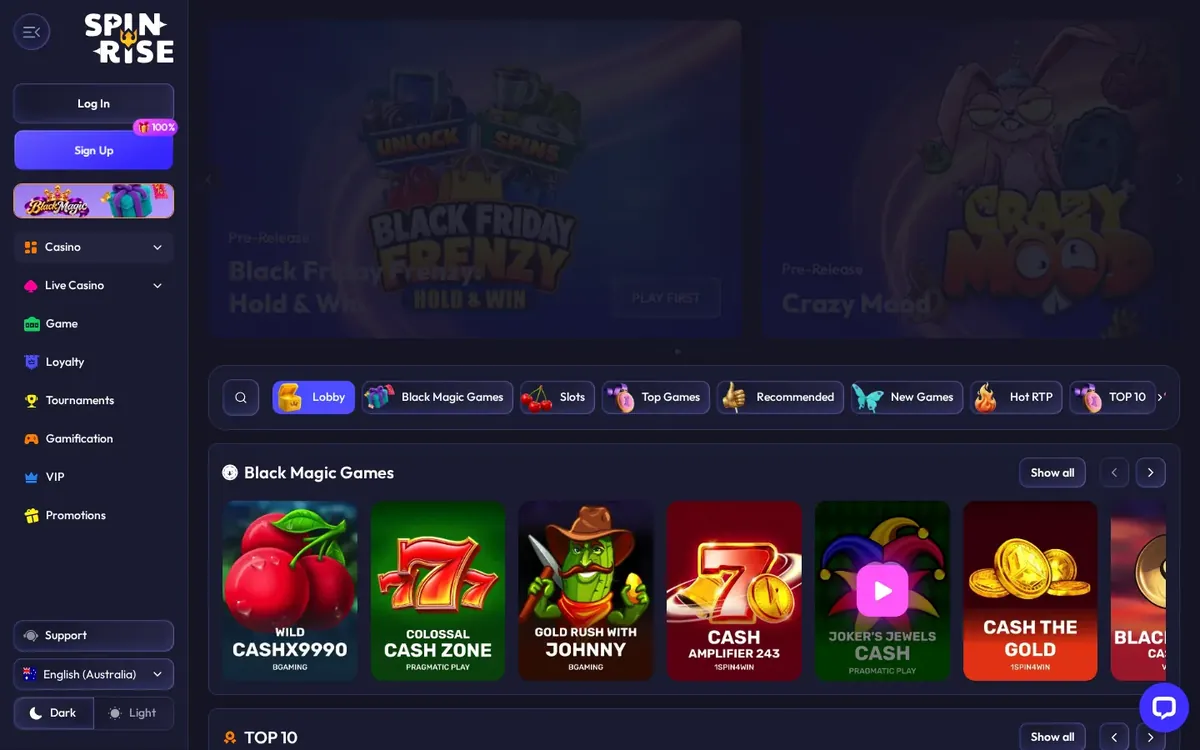
Spinrise en-AU header with Log In and Sign Up buttons - Enter the email address you registered with and your password.
- Tick the reCAPTCHA box and confirm.
Signing in is enough to play and deposit. A payout asks for more: a confirmed phone number and identity checks, both covered below.
Creating a Spinrise account in four steps
- Press Sign Up on www.spinrise.com/en-AU.
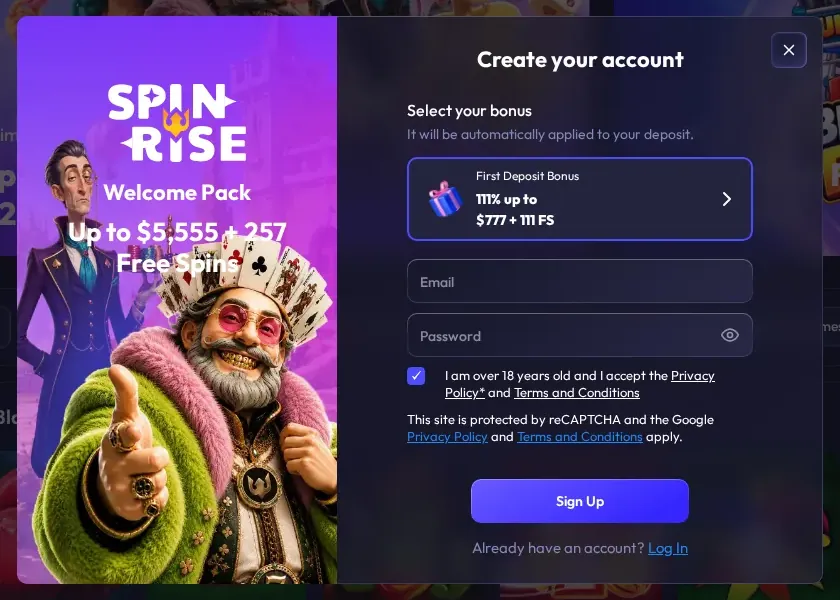
Spinrise sign-up window on desktop in the Australian locale - Type an email address you check often; payout and verification messages go there.
- Choose a password you do not use anywhere else.
- Tick reCAPTCHA and submit.
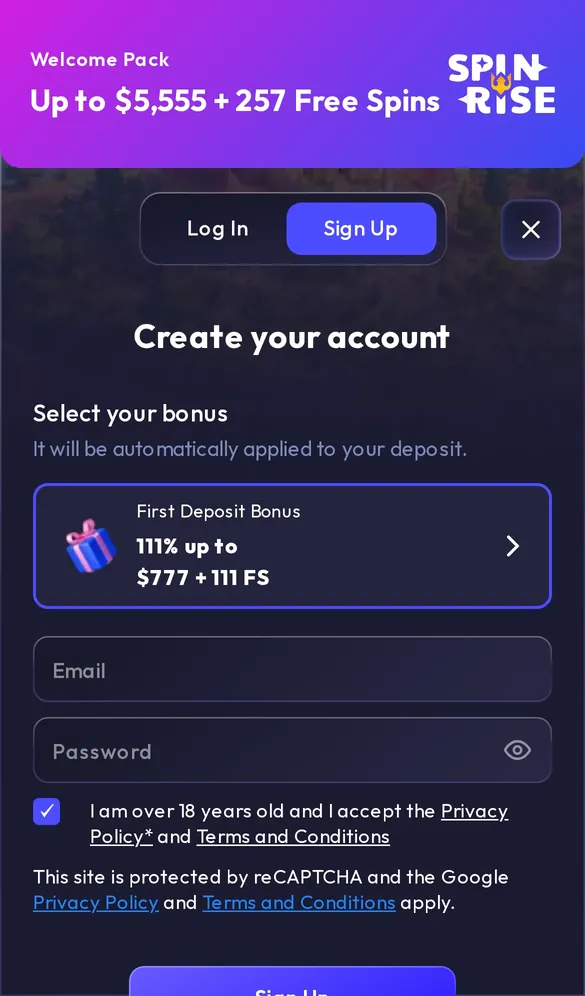
Spinrise sign-up window on a phone
That is the whole form. The account opens in Australian dollars. Before depositing, decide whether you want the welcome: RISE on a first deposit from A$30, or ROLLER from A$375. The code goes in with the deposit, so have it ready. All codes are on the bonus page.
Phone and identity checks before a payout
Spinrise pays out only to verified accounts. Two things sit between a balance and a withdrawal.
A confirmed phone number. The withdrawal request needs one. Add and confirm it in the account soon after sign-up, so it is not the reason a first payout waits.
Documents. Expect to provide:
- a passport or national ID card;
- proof of address, such as a utility bill or bank statement;
- a second document if Spinrise asks for one;
- details that match: full name, home address and email.
The payment method you used can be checked as well, for example a card or e-wallet in your own name. If you play in BTC, ID comes before the first bet rather than before the first payout. An account can be held while a check is open, so uploading clear, uncropped scans early saves time later.
After approval, processing takes up to 48 hours; bank transfers take 3 banking days, and delivery can take up to 5 working days. The minimum withdrawal is A$75.
A first-login checklist
The first time you sign in, a few minutes in the account area make later sessions smoother:
- Check the currency. The balance should read A$. Bonus caps, the A$30 deposit minimum and the A$75 payout floor all assume it.
- Add and confirm your phone number. It is required before any withdrawal.
- Upload ID and proof of address. Doing it now means the first payout is not waiting on documents.
- Set limits. Daily, weekly or monthly deposit, loss and bet limits are in the responsible gaming settings.
- Pick your welcome route. RISE from A$30 or ROLLER from A$375, entered with the deposit.
If you plan to play in crypto, the order changes slightly: ID comes before your first BTC bet, so step 3 moves to the front.
Taking a break without closing the account
Sign-in also gives you the pause controls. A cooling-off period blocks play for a set time and then lifts. Self-exclusion is the longer option for people who want to stop. Both are set from the account, and live chat can help if you cannot find them. The responsible gambling page sets out the difference and lists free help lines in Australia.
The same account on a phone
There is one account for desktop, mobile browser and the home-screen web app. On an iPhone, open the site in Safari, tap Share, then Add to Home Screen. On Android, open it in Chrome, tap the menu, then Install app or Add to Home screen. The icon opens Spinrise full-screen, and the sign-in window works exactly as on desktop.
When the sign-in window won’t let you in
| What you see | What usually fixes it |
|---|---|
| Password rejected | Check caps lock and the email spelling; try the address you registered with, not a work alias |
| reCAPTCHA keeps repeating | Reload the page, allow scripts for www.spinrise.com, switch off aggressive blockers for the site |
| Window does not open | Clear the cache for the site or try a private window |
| Logged out mid-session | Sign in again with the same email and password |
| Signed in, cannot withdraw | Confirm your phone number and finish document checks |
| Still stuck | Live chat (24/7) or [email protected] from your account email |
For anything the table does not cover, Spinrise live chat runs 24/7 on the site, and [email protected] answers by email.
Account safety habits
- Use a unique password and change it if you ever typed it on a look-alike site.
- Do not share account access; documents must match the account holder.
- Sign out on shared computers, and keep the home-screen shortcut on your own phone only.
- Set deposit and loss limits in the account the first time you log in.
Spinrise login questions
Where is the Spinrise casino login?
On www.spinrise.com/en-AU. Press Log In in the header and a sign-in window opens over the page.
What do I need to sign in?
The email you registered with, your password and a reCAPTCHA tick.
Why can’t I withdraw after logging in?
Withdrawals need a verified phone number and completed ID checks. Both are done inside the account.
Can I log in from my phone?
Yes, in the mobile browser or from the Spinrise web app pinned to your home screen. It is the same account.
Who do I contact if I’m locked out?
Spinrise live chat, open 24/7, or [email protected] from the email on your account.
Before every session: set the limits
Spinrise accounts are 18+ only. Gambling should stay within money you can afford to lose. Deposit, loss and bet limits, cooling-off and self-exclusion sit in the account. Gambling Help Online takes calls day and night on 1800 858 858, free of charge, and online at gamblinghelponline.org.au. More on responsible gambling.